What's New

Online 360° Panorama Viewer VR
Completely free secure easy-to-use online viewer for 360 panoramic images. VR-ready. Mobile-friendly. Can generate URL to share 360-degree panorama with others. Works directly from the page using capabilities of WebGL & WebVR built into your browser. High-performance with no plugins required. Just provide an image with spherical panorama to the viewer on the page, and it will instantly prepare and show you a ready-made immersive panorama, which you can rotate, zoom in and out, go in full screen use Google Cardboard or Virtual Reality headset. This panorama 360 image viewer is server-independent software. It only works inside your browser, so the images you use remain confidential.
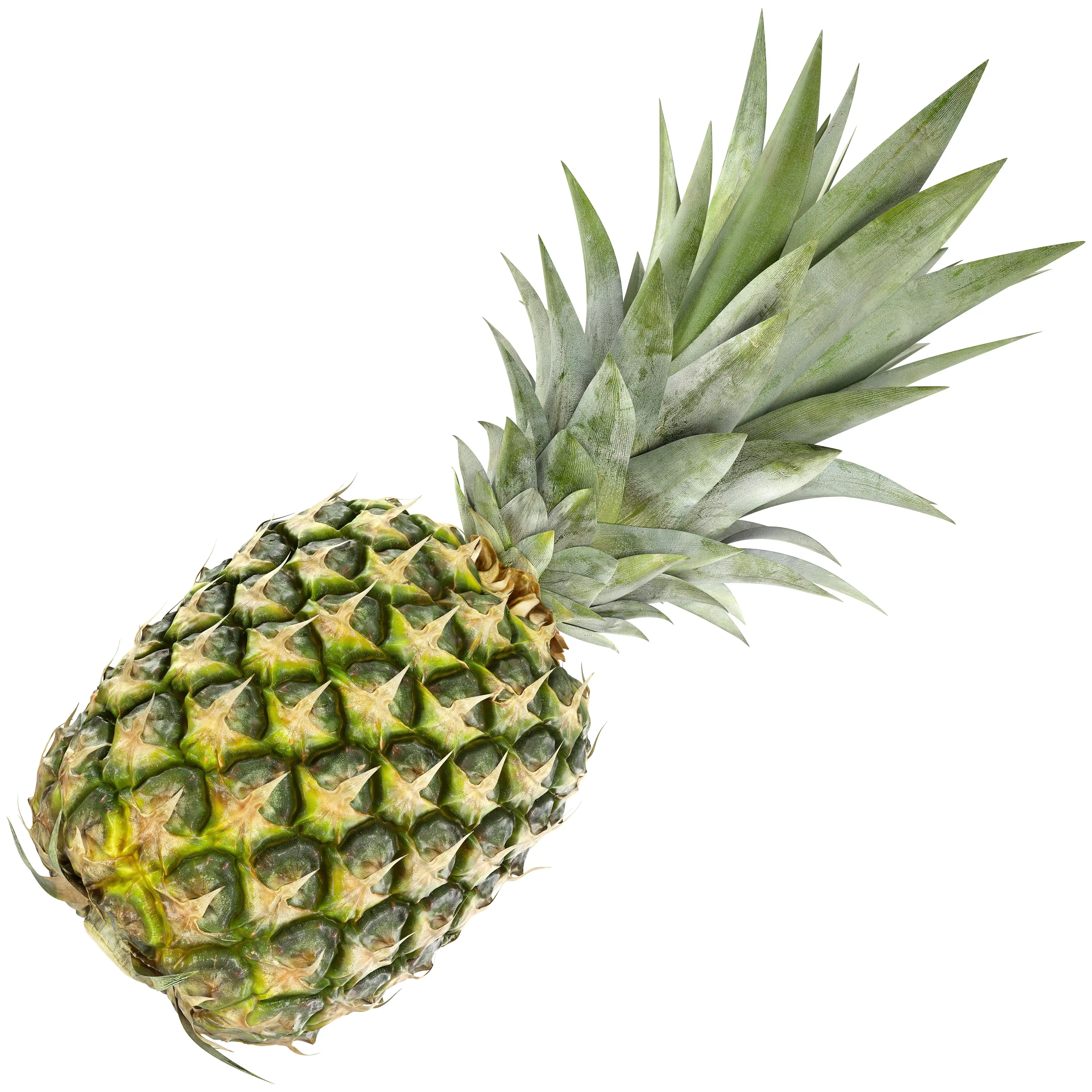
Ultra-Detailed Pineapple 3D Model
One of the best, if not the best photorealistic Pineapple 3D model available on a market. Watertight subdivision-ready 100% handmade topology, scanned 8K textures and truly realistic aesthetics make it so unique. It took several months of precise work to create it. More than 240 fruitlets with individual bracts were made by pure geometry and unwrapped by hand. Skills that required to create this asset from scratch, multiplied by the time needed to do so - eventually several thousand dollars worth.
V-Ray vs Cycles Comparison
Brief visual quality comparison of imagery generated by two popular render engines. They are the industry standard V-Ray, which comes as a plugin for most 3D software packages, and the Cycles renderer, that already built into Blender. This making-of style article describes the process of converting 3ds Max scene into Blender, while maintaining the same camera angle and lighting conditions. At the end of the article comes a final comparison of results obtained with both visualizers, and, of course, it contains answer to the question, is it time to switch to a Blender completely? Based on a real project. Article will be especially interesting for experienced users of 3ds Max and V-Ray, as well as for those who are still hesitant about which software to choose to do the job.
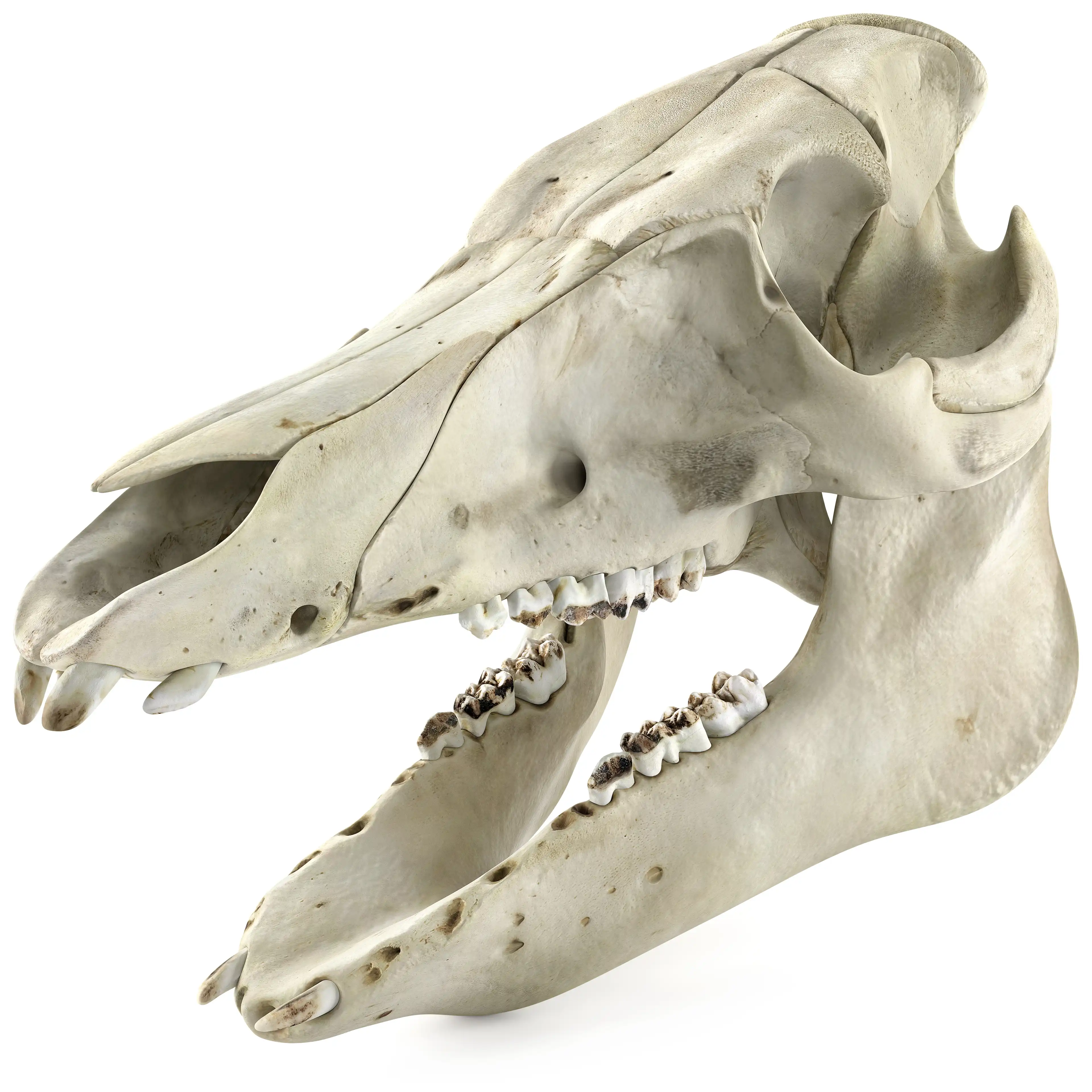
Domestic Pig Skull 3D Model
Photorealistic highly detailed scanned manually retopologized anatomically accurate 3D model of a medium-sized domestic pig skull. Low-poly subdivision surface ready topology. A unique 11 bones and 11 teeth including tooth roots, each as separate 3d object. All 3D models is UV Unwrapped. The UV islands are reasonably distributed between 5 PBR textures sets to achieve optimal texel density. Two native formats, 3ds Max V-Ray & Blender Cycles. Both are handcrafted for the best use experience. The asset is ready for ultra close-up shooting. Thanks to the low-polygonal base mesh, this 3D model can also be used as props for the game engine, including animation of breaking into pieces.
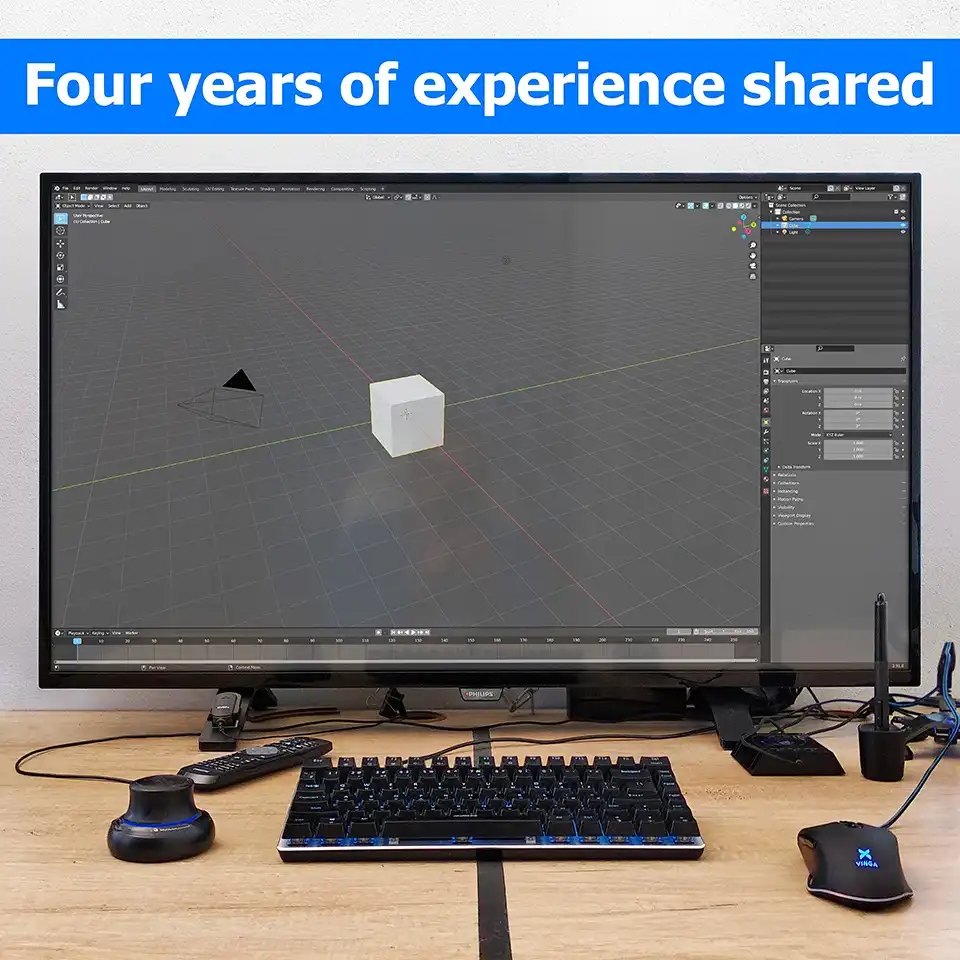
4K LCD TV as Productivity Monitor for CG
Honest opinion of Digital Content Creator, 3D Artist and CG Generalist, about how good a regular 4K TV is for professional CG purposes. Conclusions based on 4 years of experience using TV as PC monitor for 3D modeling, 3D rendering, video and image editing, reading and programing. Contains a step-by-step guide on how to make a smart choice of 4K TV for graphic design. You will be able to understand a theory underlying the following record: 4K @ 60Hz @ Y′CBCR 4:4:4 @ 8-bpc and much more.
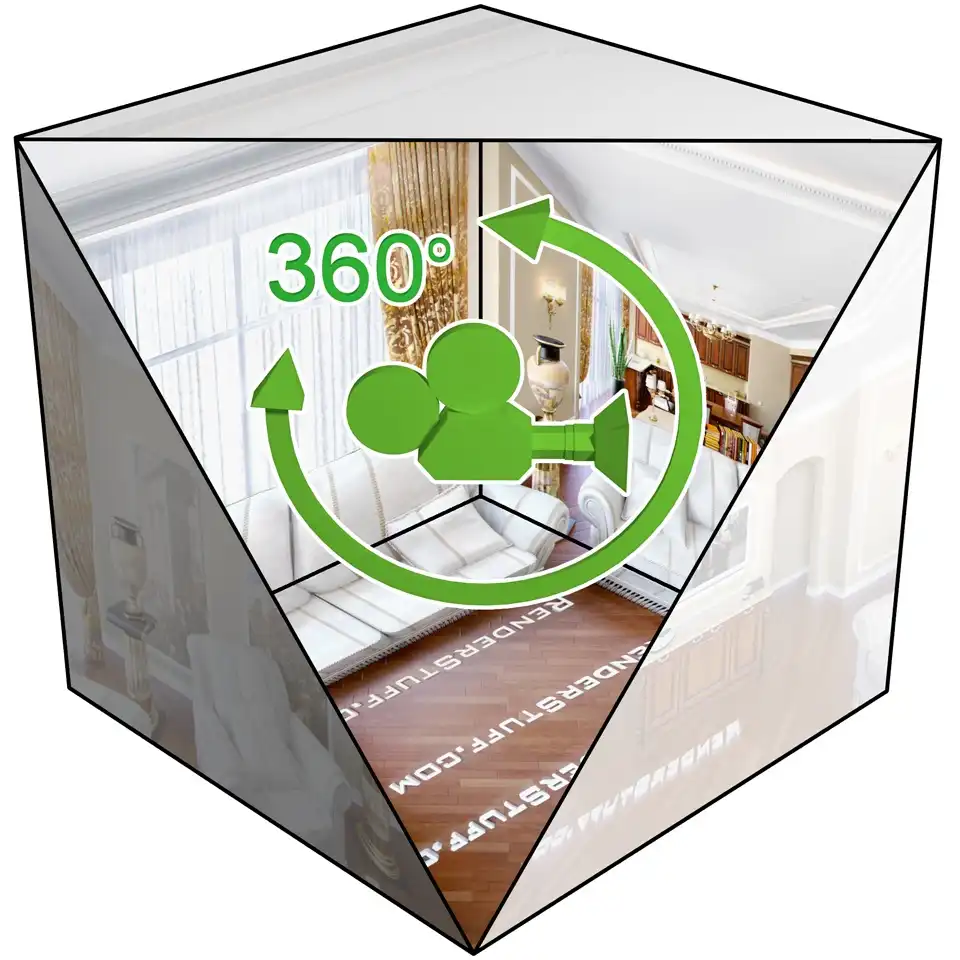
Rendering 360° Panorama Complete Guide
How to create so-called equirectangular or simply the spherical interactive 360 panoramas using 3ds Max and V-Ray. How to render, assemble and view them later. If you use other 3D rendering software, such as Blender, Cinema 4D, Maya, SketchUp or even CAD, this tutorial will still be useful to you, as 3ds Max is used as an example and the methodology for rendering and assembling a spherical panoramas is quite universal.
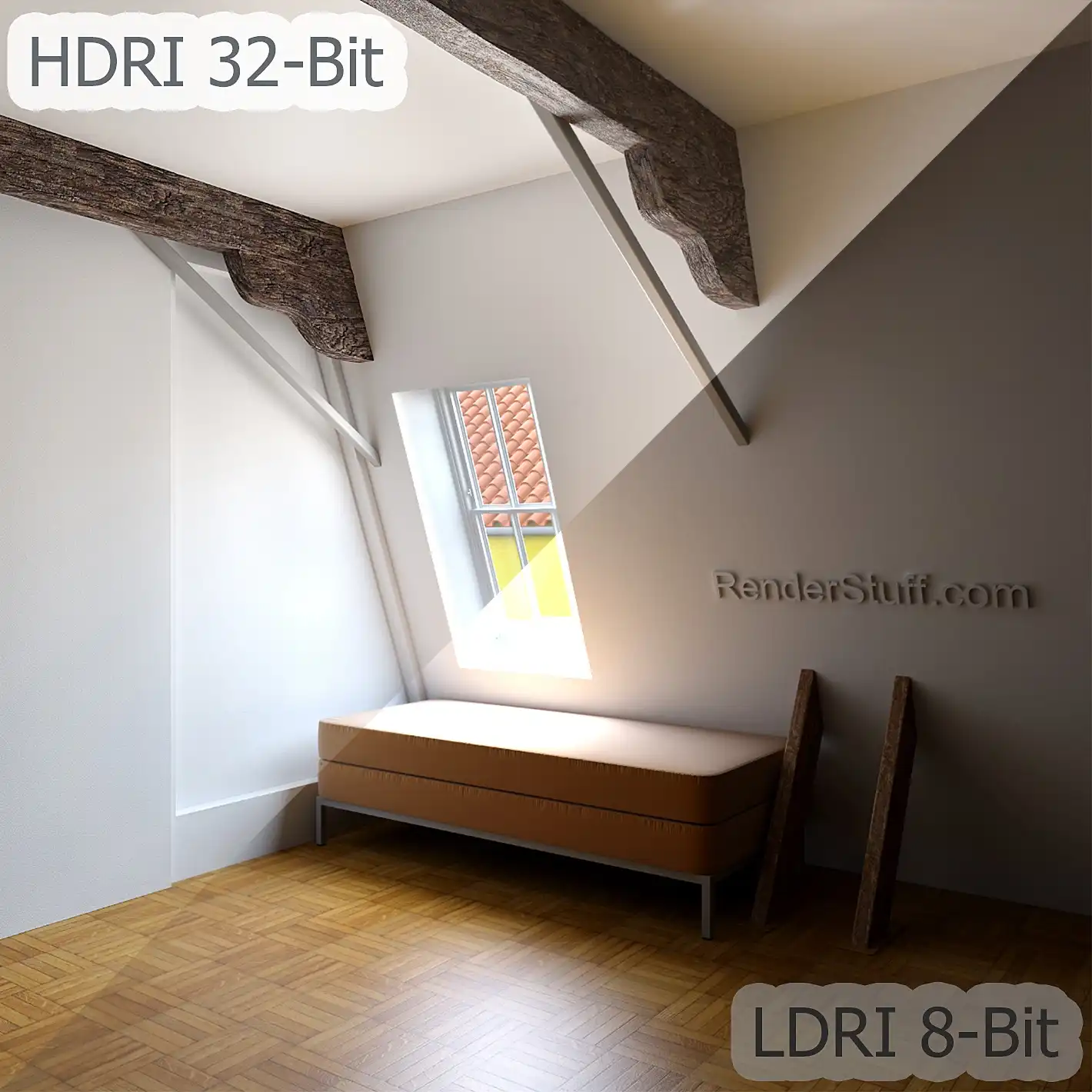
HDRI Rendering & Post-Processing, Ultimate Control Over Exposure
What is HDRI and how it differs from LDRI. How to visualize, store and edit HDR images. What are the advantages of using 32-bit formats over standard 8-bit. How to deal with overexposure or underexposure of 3D visualization only with post-production tools, without having to re-adjust scene lighting and re-render whole image again. How to fine-tune brightness and contrast in a very deep range of an already rendered image directly in a 2D editor without losing any details.
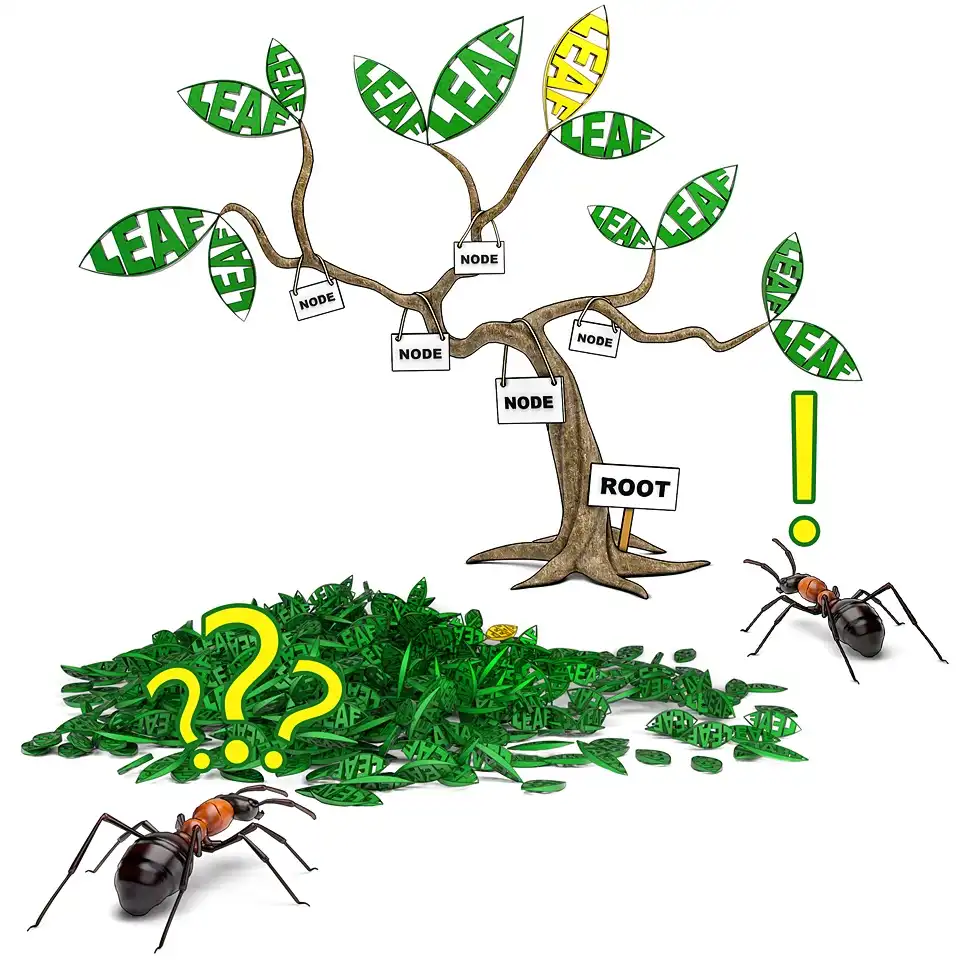
Ray Casting & Memory Allocation in V-Ray 1.5
What is Ray casting and why data organizing into BSP tree speeds up rendering. Why 3D visualization requires a lot of memory. Why a memory allocation failure causes V-Ray crash, and how to prevent it by not buying extra RAM, but using a batch geometry loading technique, to render heavy scenes. What's the difference between static and dynamic geometry types for mesh objects. Why dynamic raycaster slows down rendering and how to define dynamic memory limit.
DMC Sampler or Speed vs Quality in V-Ray 1.5
Balancing visualization speed and quality with just a few global settings. An explanation of what DMC Sampler is, its deterministic nature during blurred effects sampling, and how it affects rendering accuracy. What is the samples difference threshold and why does adaptive renderer utilize an early termination technique to stop the sampling process. How to speed up rendering and visualize drafts without having to adjust each effect individually.
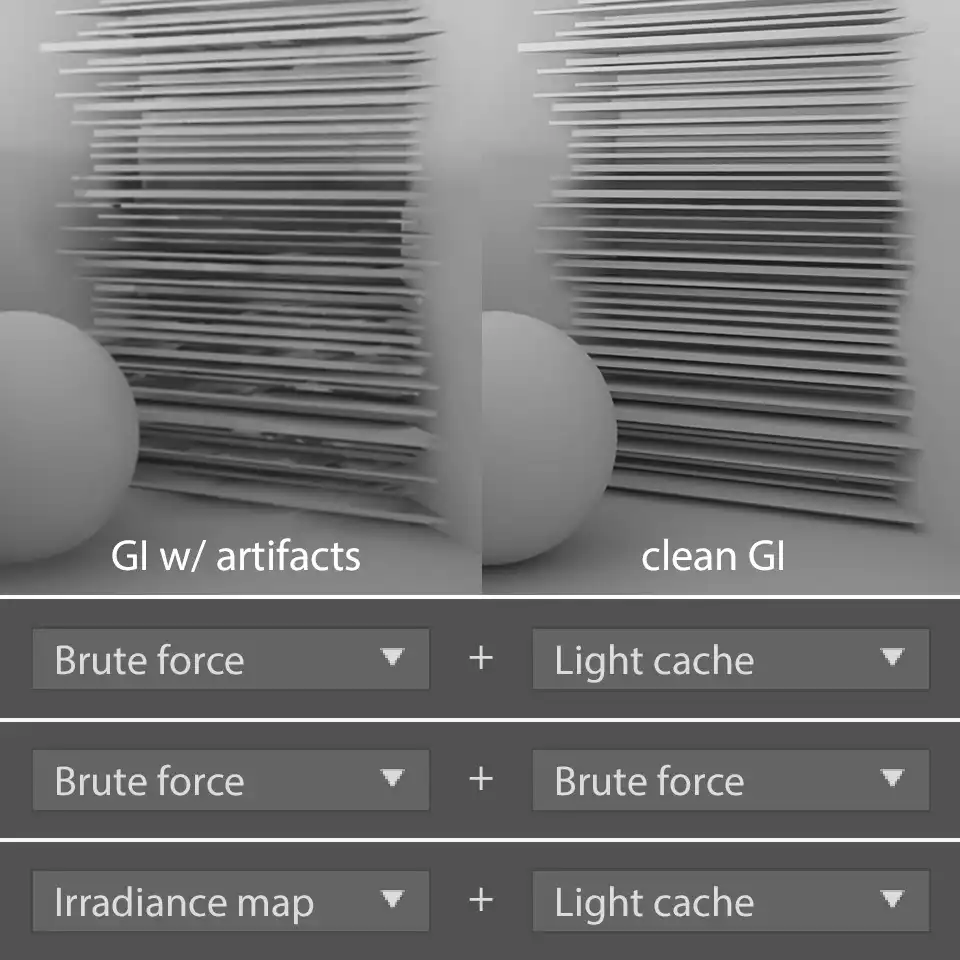
Rationale for the Choice of GI Engines in V-Ray 1.5
A final overview (based on three previous tutorials) of pros and cons of GI engines available in V-Ray with accompany GI artifacts explained. You will learn why Irradiance Map is a great default choice for Primary bounces, Light Cache for the Secondary bounces and what are the benefits this GI Engine's have from working together. As well as justification for not using Brute force without need. You will also understand how to avoid noise and blotchiness of GI.
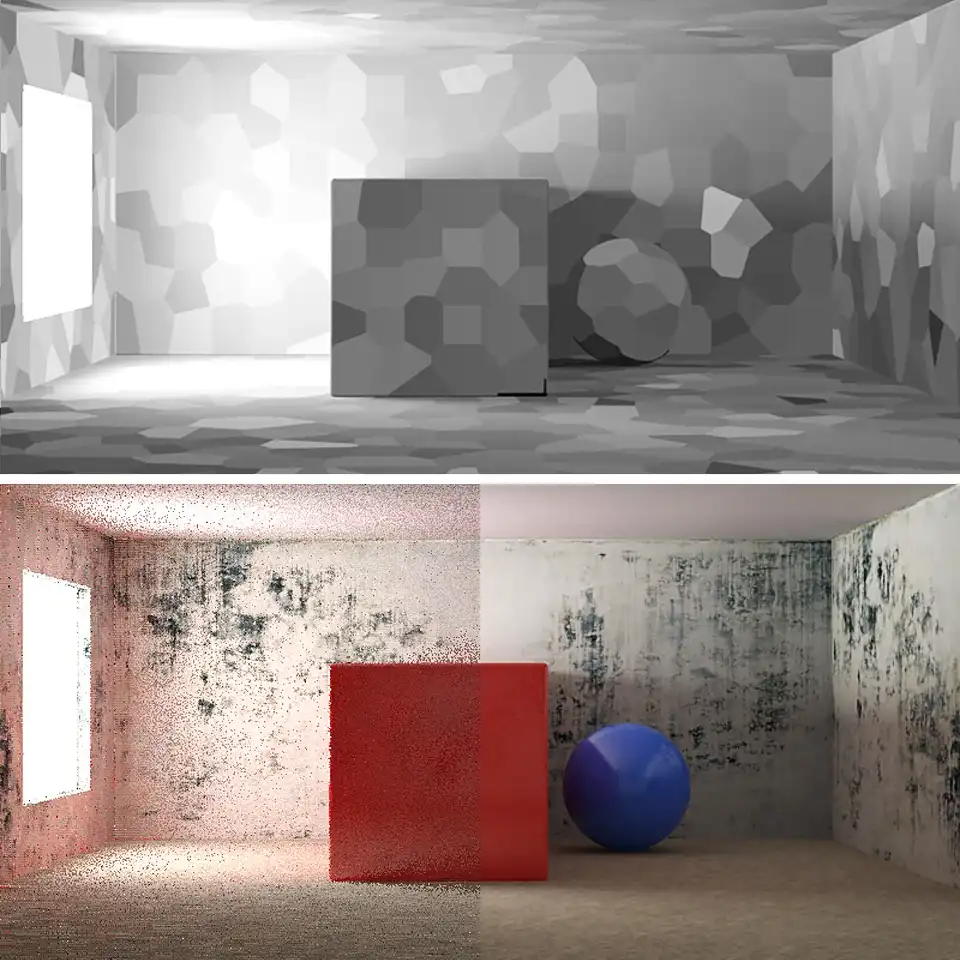
Light Cache in V-Ray 1.5
Photon map and Light cache GI Engine's review. It explains their limitations and advantages. Here you will learn what Light cache cells are and what they look like on clear examples. How Light cache stores direct light and calculates diffuse reflections. Why do Light cache need filters and what's the difference between pre-filtering and filtering? And of course, tutorial will explain an optimal settings for fast and realistic rendering with Light cache.
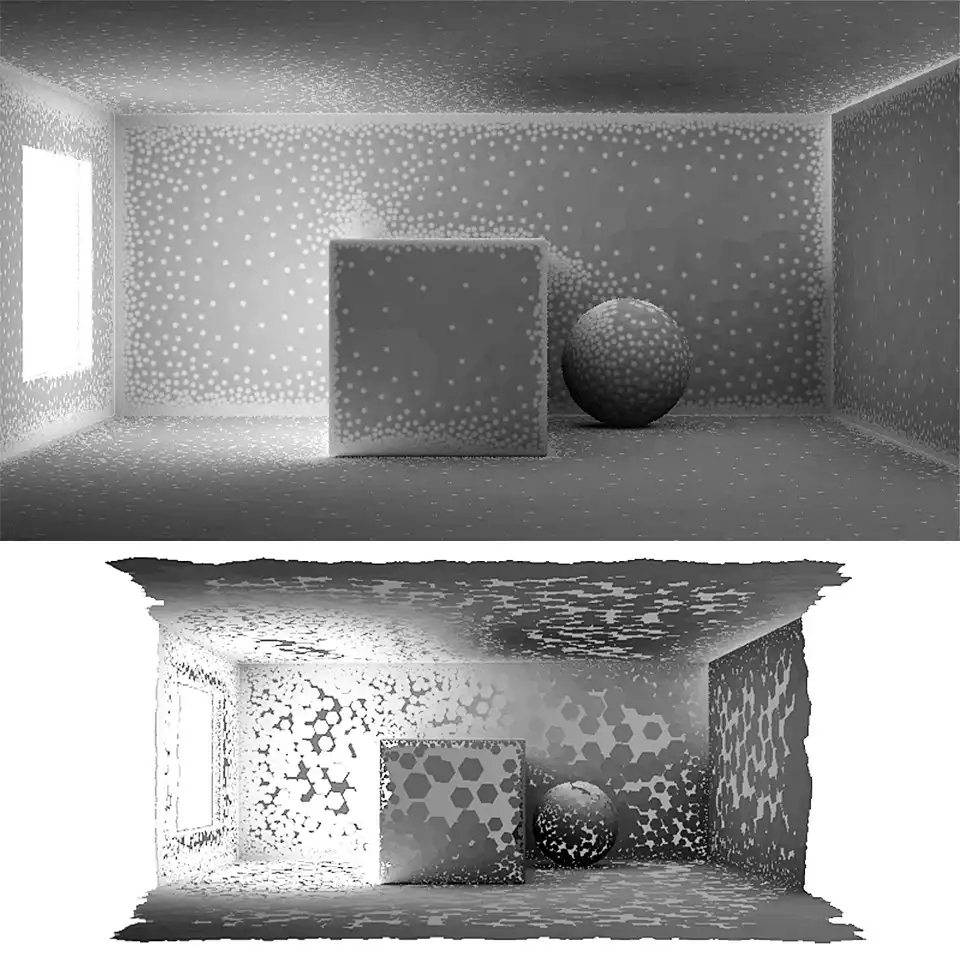
Irradiance Map in V-Ray 1.5
An detailed explanation of how adaptive (biased) Irradiance map GI engine works and its advantage over unbiased Brute force. Here you will see exactly how IM samples cloud look like in three-dimensional space and it view-dependant nature. How it is built using different resolution pre-passes and how to control their resolution with Min rate: and Max rate: parameters. What should be the optimal values for fast, clear and detailed renderings.
Share
Please share if you like it!